About FrontSpin
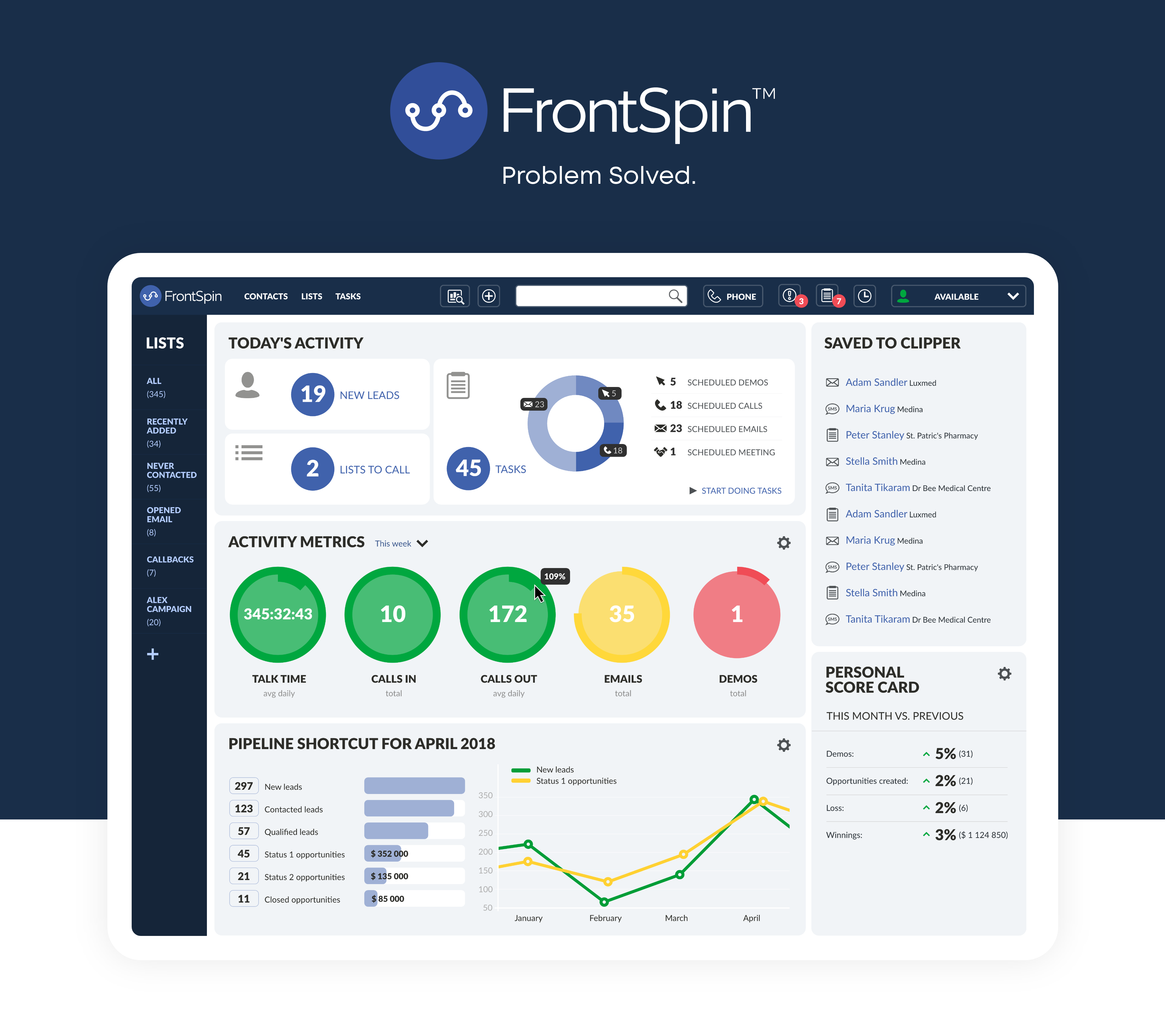
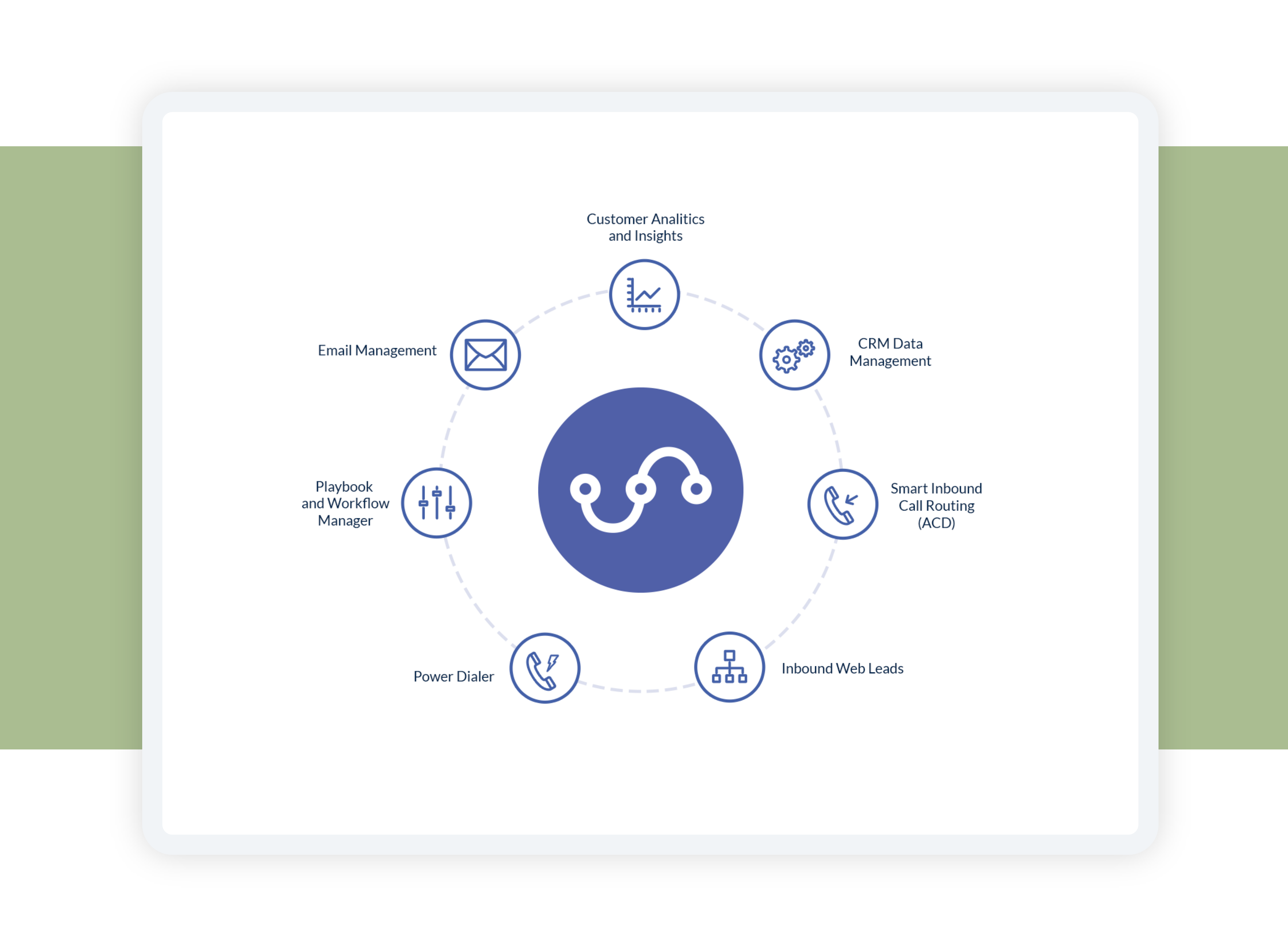
Established in 2015 and based the United States, FrontSpin is a cloud-based sales and lead management solution for SMBs. The solution offers interactive tools to manage sales communication, including a power dialing feature to help businesses engage with more clients in less time. The web-based solution automates communication with new prospects as well as existing customers and optimizes daily calling according to the number of sales agents available for the day. FrontSpin’s power dialer and automated emailing tool seamlessly integrate with multiple business playbooks for an efficient lead-to-sales conversion.
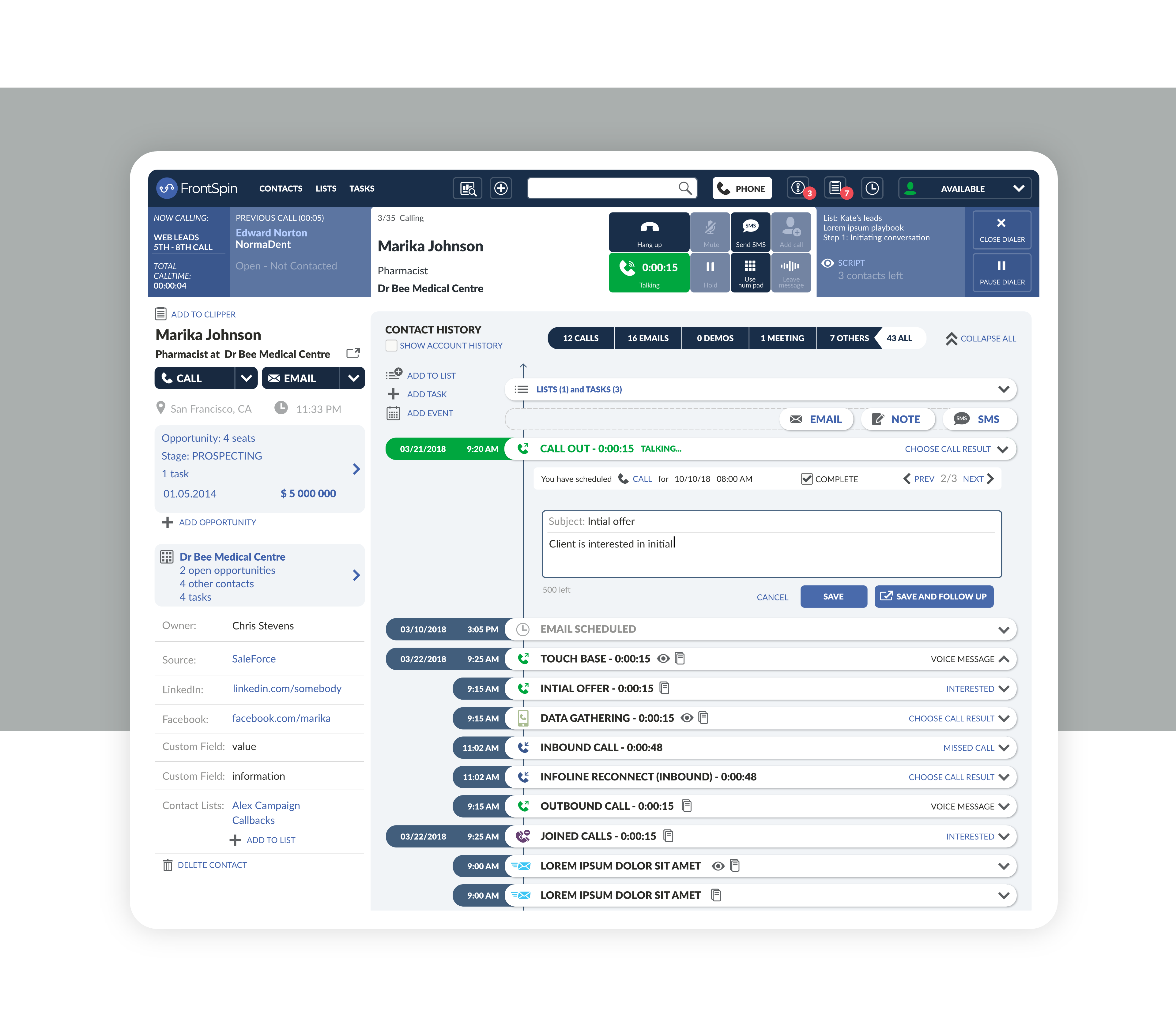
FrontSpin offers a user-friendly interface that helps to capture data directly from call notes and email communications, reducing the number of clicks and manual data entry. The solution integrates with existing CRM applications allowing businesses to import or sync sales information in real-time. With FrontSpin, businesses can run multiple sales campaigns via different communication channels. The sales team can either dial a list of web leads or respond to prospect emails to reach out to their clients. The solution automatically logs every client interaction on a unified timeline.
With FrontSpin’s real-time dashboard, managers are provided with up-to-date information about their team’s performance and other statistics. Other feature include real-time alerts and updates, auto call recording, call scheduling and more. The software is suitable for small and mid-sized B2B companies across the U.S.
My Role
I started working at FrontSpin in 2015. I held the role of Lead Designer there. At the beginning I focused mainly on UI, but over time I started doing UX related work as well. I was part of an international team that included specialists from Brazil, Poland and the USA.
Meeting requirements
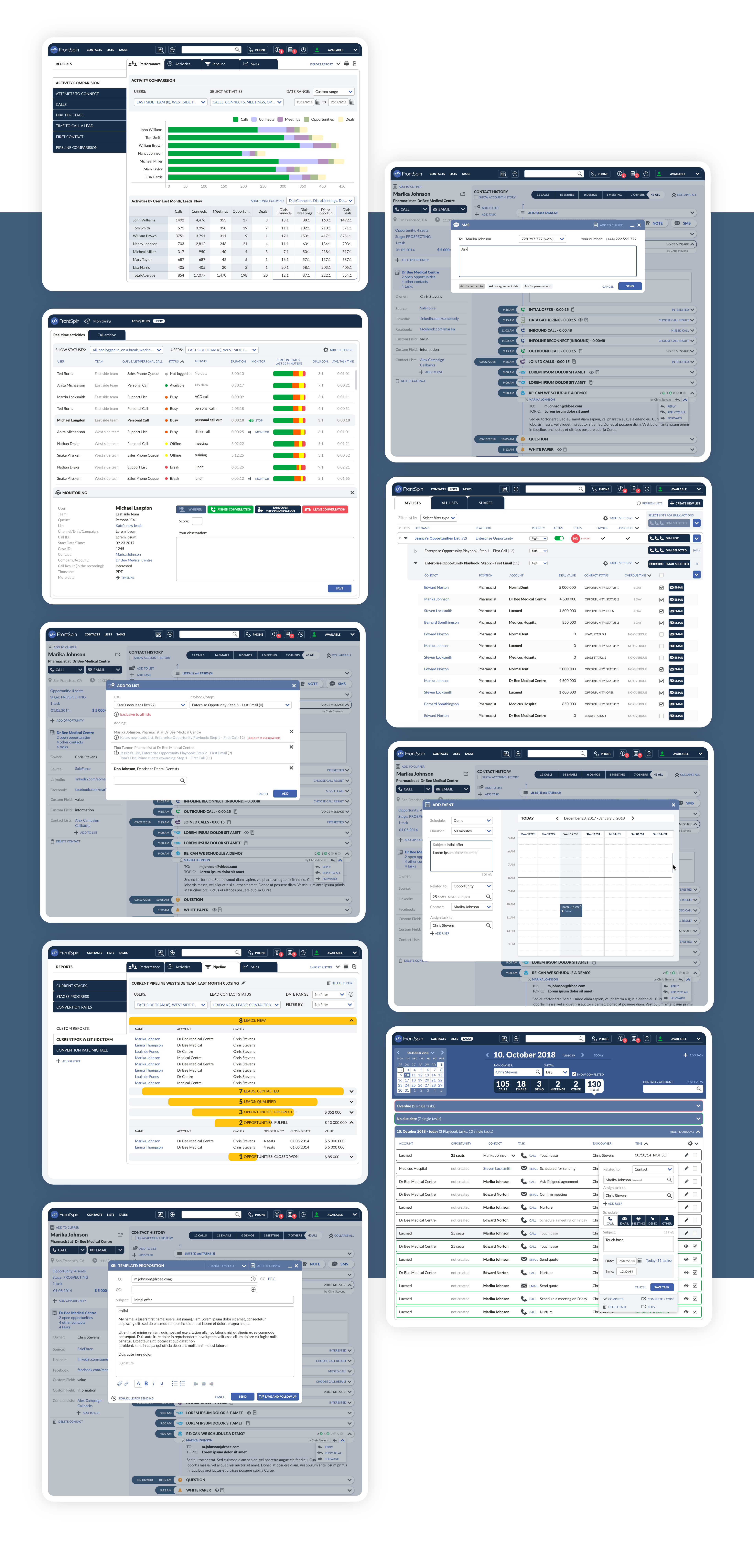
Once we launched MVP, the application entered a rapid development phase and soon new features needed to be designed to meet stakeholder requirements.
One of the biggest updates was the addition of a Monitor feature that allowed managers to see the performance of groups, teams, and team members separately, join conversations both actively and passively, etc.
Additional plug-ins
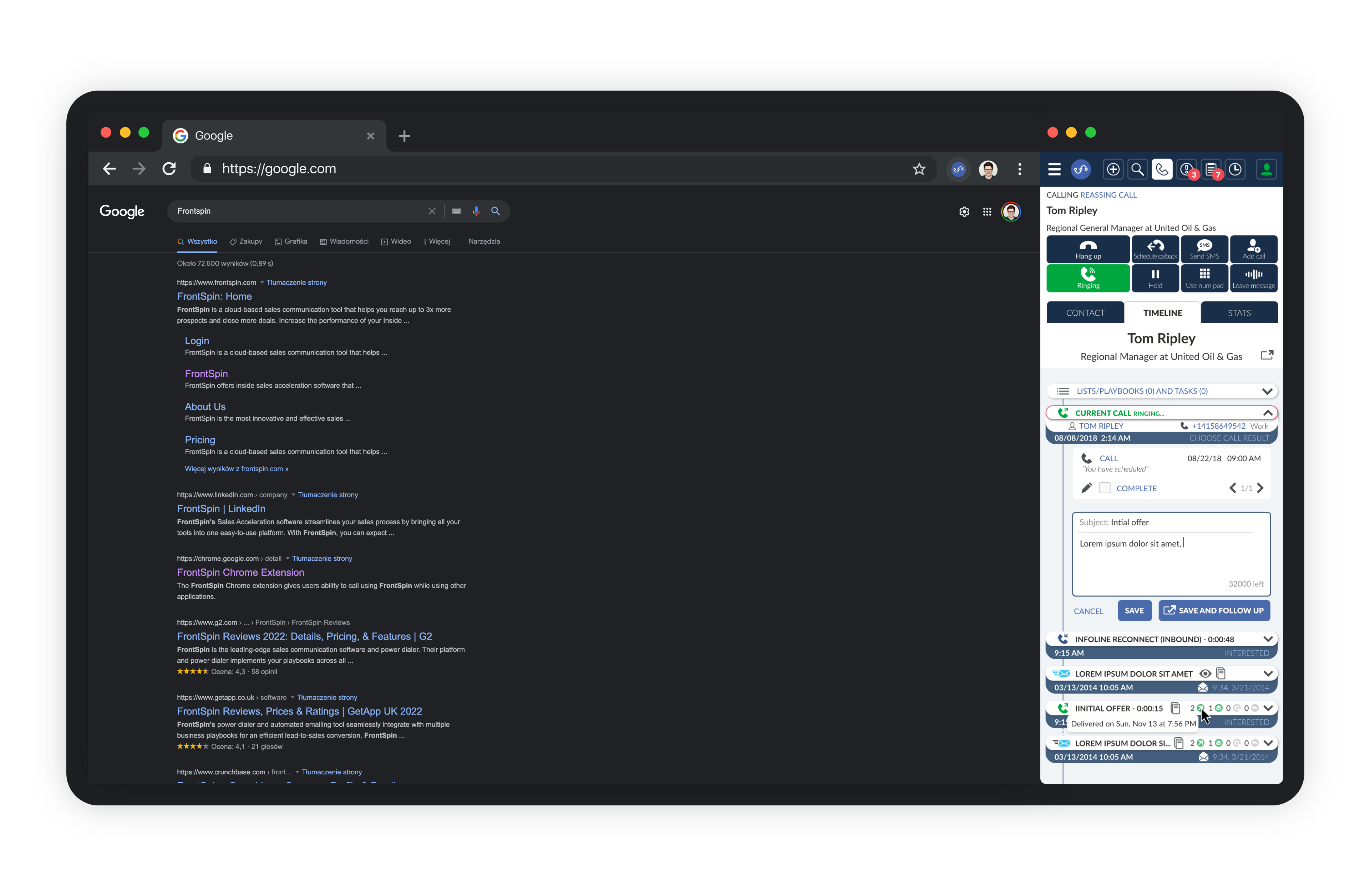
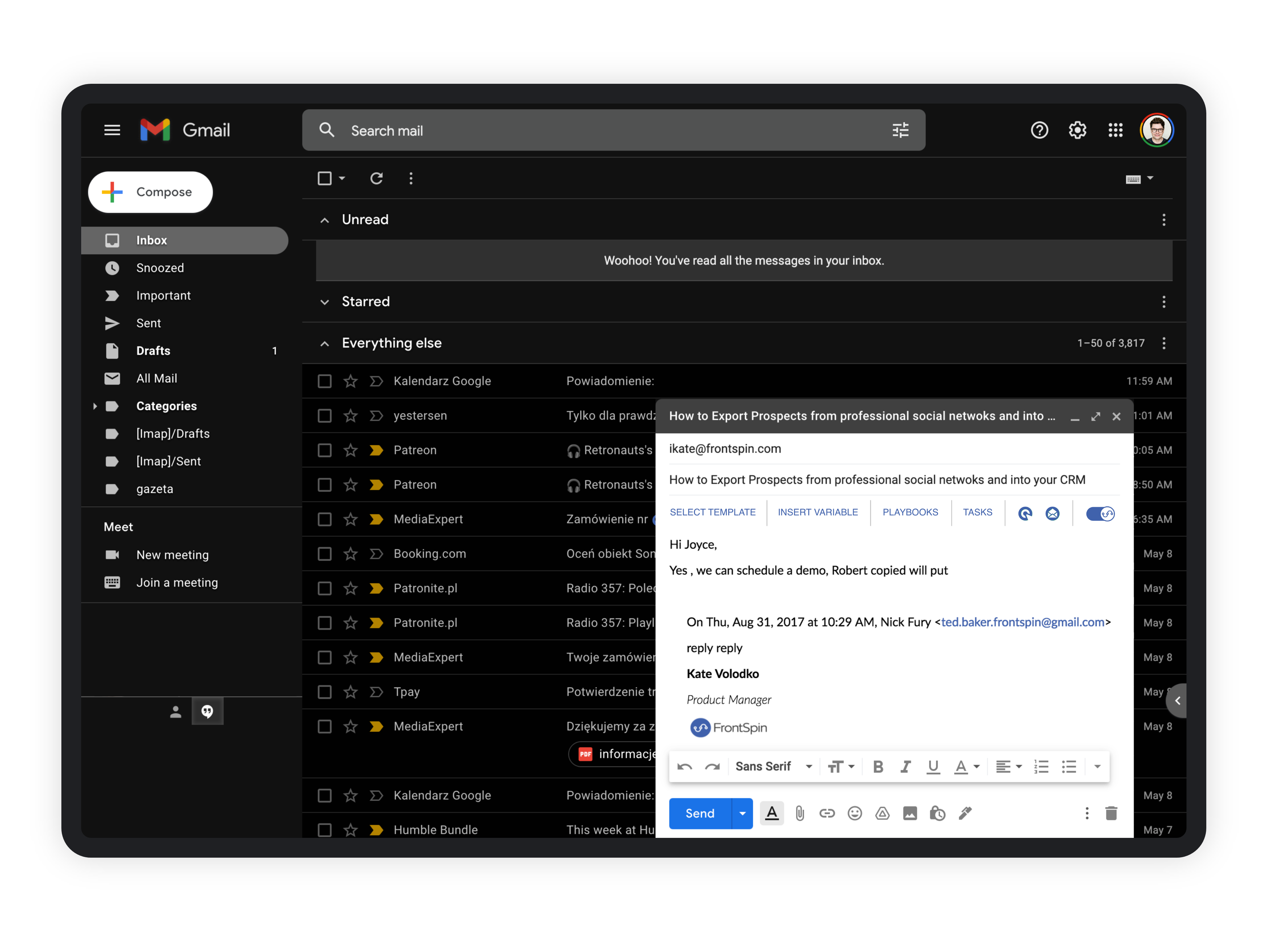
Based on user feedback and input from stakeholders, it became clear that we needed to design a compact version of the app. There was no room for a full mobile app, so we decided to make it available as an extension for Chrome. We also designed and developed a plugin for Gmail to further streamline the user workflow.
Colors, Icons and Typography
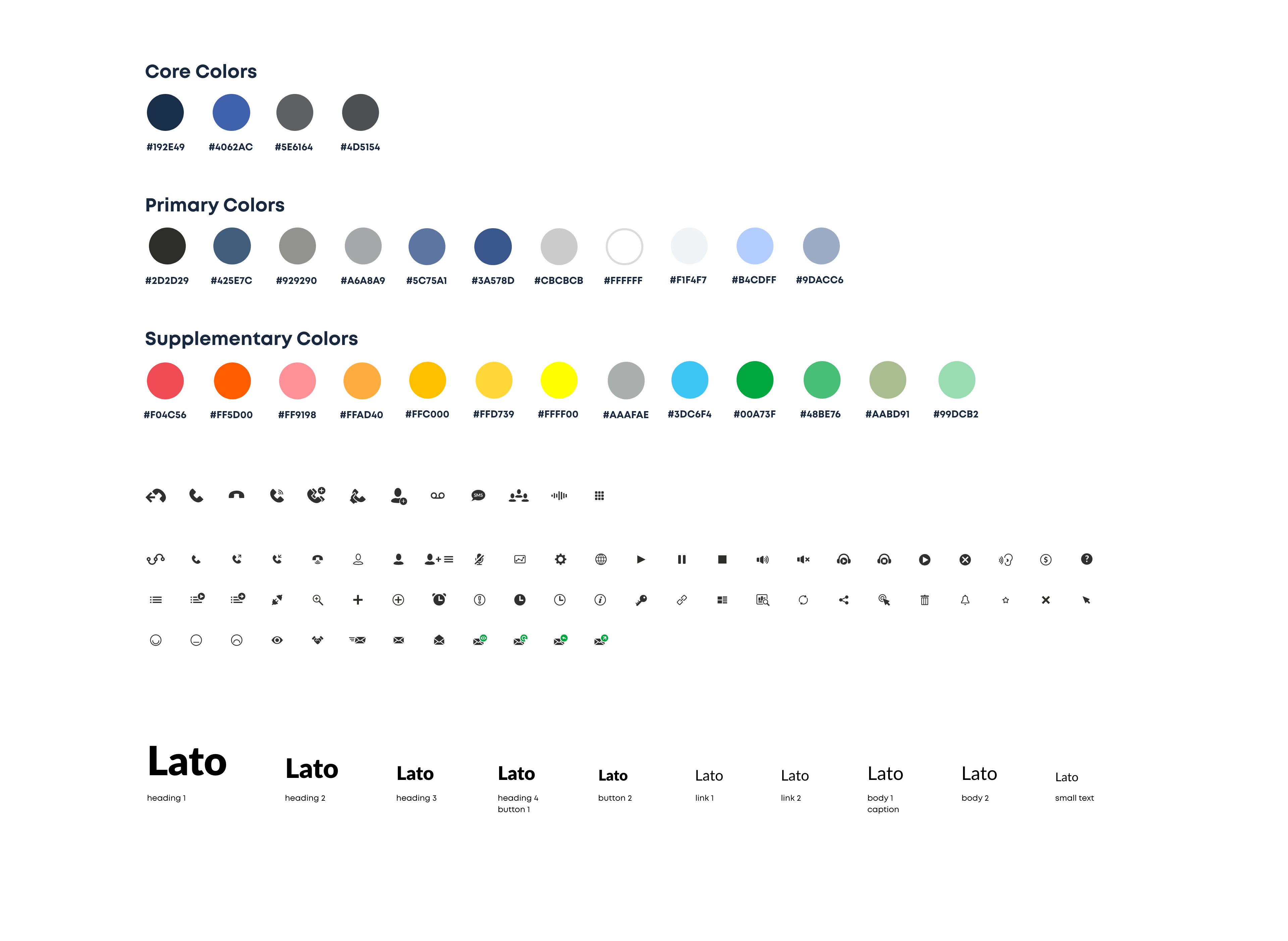
Colors - when I started working on the color palette, my priorities were to clearly differentiate between primary, secondary, and tertiary buttons, have a strong connection to the brand, and use Gestalt principles to visually group different sections of the UI.
Font - by using the Lato font, which was very fresh and modern in 2015, I was able to achieve clear and crisp text that was both forward-thinking and easy to read.
Icons - The icons are a mix of icons I designed and icons from iconmonstr, which were later redesigned by me to be compatible with the set.
Scope of work and tools used